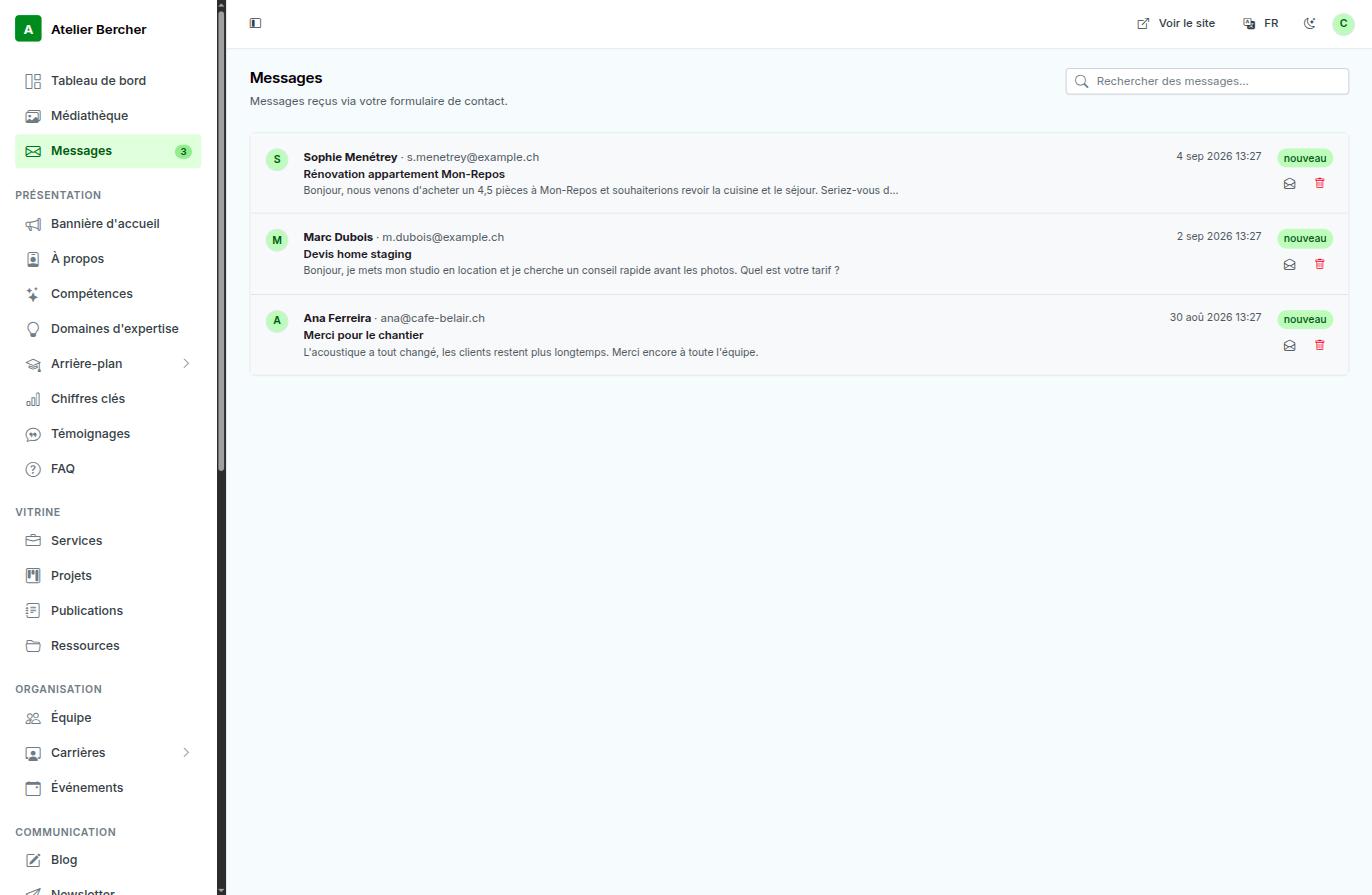
Every theme carries a contact form. What a visitor writes there arrives in one place — Messages, in the console — and does not depend on your mailbox working.
What arrives, and where
- The message is stored in your console — it stays there even if an email notification is lost.
- A notification is sent to the address in Site identity. Check that address: a message that arrives at an inbox nobody opens is a message lost.
- The dashboard shows the last three and counts the unread ones.
Replying
Reply from your own email client, to the address shown on the message. The console keeps the record; the conversation belongs in your mailbox where you can find it later.
If nothing ever arrives
- Open your public site and send yourself a message through the form.
- Check that it appears in Messages. If it does, the form works and the question is your email notification.
- If it does not appear, write to us — do not assume nobody is interested.
Robots find contact forms fast. Yours accepts five messages per hour from the same source; beyond that it answers politely and stops. You should never see the difference — a real visitor does not write six times in an hour.